Claude Code vs GitHub Copilot: Which Should You Pick?

 William Imoh
Choosing the wrong AI coding tool can cost you time and money. You may waste money on unused licenses, lose hours on the wrong workflow, or hit limits in the middle of a task. Each tool serves a specific purpose, so choose the one that fits your needs.
Claude Code works as a terminal-first autonomous agent built for larger coding tasks. It runs in your terminal and works on its own, reading your codebase and making decisions as it goes. You give it a task, and it plans, writes, and tests the code before giving you a result for you to review.
GitHub Copilot, by contrast, works as an IDE-embedded assistant, i.e it lives inside your IDE. It supports you as you write, edit, and review code in your editor. Copilot also has an agent layer that manages complex tasks like pull request reviews. It can run Claude models like Opus and Sonnet inside its own interface. This gives developers access to Claude without leaving the Copilot workflow.
In this guide, I'll compare Claude Code and GitHub Copilot to show how each fits your workflow. You'll learn where each tool runs, how it handles larger coding tasks, and what it costs.
TL;DR: Claude Code vs GitHub Copilot
From my experience with both tools, I've broken down where each one fits best to make your decision easier.
Choose Claude Code if....
You handle complex work across many files, such as migrations and large refactors.
You want an agent that plans, codes, and tests a task on its own, with little input from you.
You need a large context window. Claude Code has a 200,000-token context window, enough to fit a large codebase in one session.
Choose GitHub Copilot if....
You want fast inline completions as you write code in your editor (VS Code or JetBrains).
You need GitHub-native automation for pull requests, issues, and other tasks without leaving the platform.
Choose both if....
You want Copilot's speed, GitHub reach, and Claude Code for complex coding work. Many developers and teams use both tools and switch between them depending on the task.
You work alone and do not mind paying for both tools, which cost $30 a month together.
GitHub Copilot vs Claude Code: Comparison table
Before explaining further, here's a summary of the differences between Claude and Copilot. The Claude Code vs Copilot table below compares rate limits, pricing, and more.
Category | Claude Code | GitHub Copilot |
|---|---|---|
Primary interaction | Terminal-first autonomous agent | IDE-embedded autocomplete and chat assistant |
Where it lives | Terminal / CLI, with basic IDE extensions for VS Code and JetBrains | VS Code, JetBrains IDEs, Visual Studio, Eclipse, Vim/Neovim, and Xcode |
Inline autocomplete | No | Yes (core product, unlimited on paid plans) |
Agent mode | Core feature; autonomous multi-file edits | Present; handles bounded tasks like PR review |
Context window | 200,000 tokens by default (up to 1M on select models like Opus 5 or Sonnet 5) | 32,000 to 128,000 tokens for standard IDE chat (varies by model and plan tiers) |
SWE-bench Verified score | Claude Fable 5 leads the board at 95.0% (August 2026) on the SWE-Bench Verified leaderboard | Scores vary by selected model, from roughly 73% to 80% depending on which one runs through the picker. |
Models available | Claude models only: Restricted to Anthropic's ecosystem, including Fable, Opus, Sonnet, and Haiku. | Multi-model picker: Defaults to OpenAI (GPT, o-series), with options to swap to Claude or Gemini. |
CI/CD integration | Runs directly in GitHub Actions or GitLab pipelines | Runs through GitHub Actions and Copilot Workspace |
GitHub integration | Indirect via Git and APIs | Native: built into pull requests, Issues, and commits |
Free tier | No | Yes (Verified students and open-source maintainers) |
Entry-level pricing | $20 a month (Pro, with Claude access) | $10 a month (Pro) |
Team/enterprise pricing | $100/seat/month (Team Premium) | $19/seat/month (Business), $39/seat (Enterprise) |
Primary audience | Senior developers, terminal users, and automated agent engineering workflows | All developers, beginners, and regular IDE text-editor users |
Rate limits | Rolling 5-hour window and weekly limits based on tier | AI Credit allowance per plan: Unlimited code completions, but agent and chat use up credits. |
Why choose Claude Code?
Claude Code functions as Anthropic's autonomous coding agent. It skips the inline suggestions common autocomplete tools offer, like Copilot. The agent starts by reading your entire codebase and creates a plan across the affected files. Then it writes the code, tests it, and delivers the finished work for you to review.
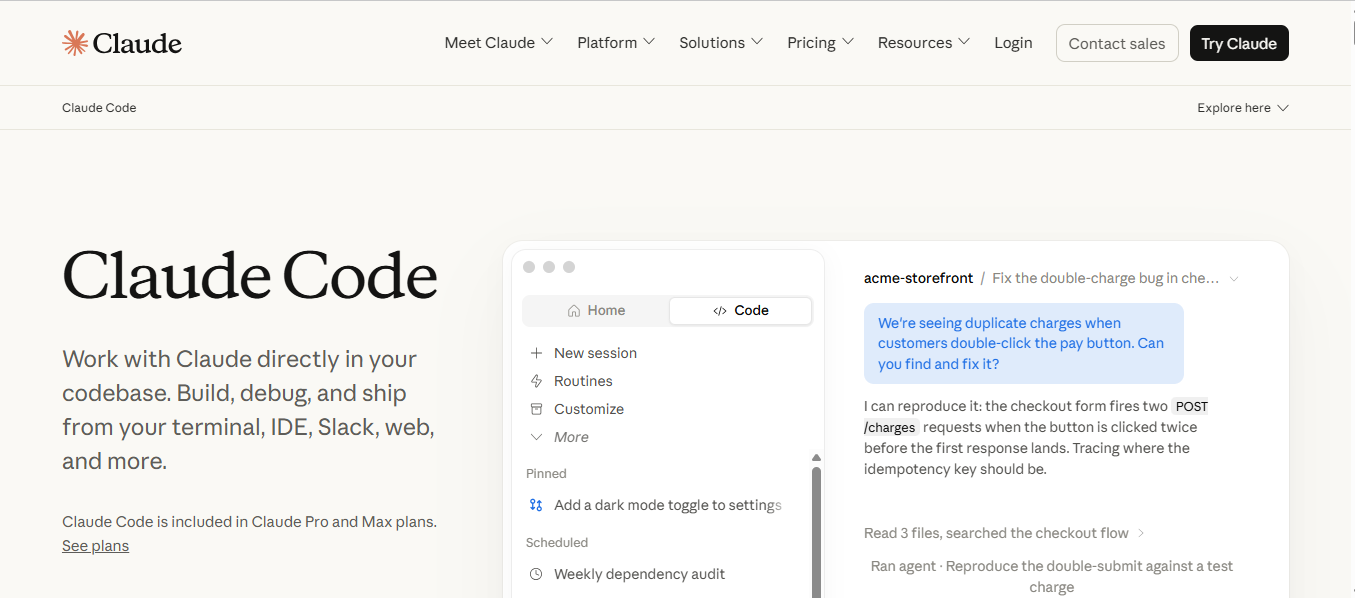
The tool went from a research preview to a billion-dollar run-rate product in just six months. It also has a 75% adoption rate among small companies for AI coding tools. The following are reasons why you should use Claude Code:
Autonomous, end-to-end task execution
Use Claude for task automation if your day-to-day work needs these features:
Full delegation. You describe what you want in plain language, and Claude plans the steps needed to get the job done. It reads across files, edits code, runs tests, and fixes issues, then hands you a summary of changes to review.
Parallel sub-agents. Coordinated workflows let Claude run hundreds of parallel sub-agents in one session.
Plan mode. Claude creates the full approach before it edits a single file in your codebase. It helps catch errors early, find file dependencies, and cuts risk before any work starts.
Agent teams. Coordinate multiple specialized agents using a shared task list. This list lets every agent see what the others are working on, so tasks don't overlap and agents don't repeat the same work. The structured framework tracks dependencies to manage complex, parallel workstreams well
Benchmark performance and context window
Use Claude if you want an AI agent that can reason through complex tasks across a large codebase. Anthropic's Claude models hold several of the top spots on SWE-bench Verified. As of August 2026, Claude Fable 5 leads the leaderboard at 95.0%, with Claude Mythos Preview close behind at 93.9%. Even the previous generation, Claude Opus 4.8, also performs well with a score of 88.6% on the same benchmark.
These results show an AI agent that can trace issues back to their cause and update code across a full project. It can handle large coding tasks instead of just creating small code snippets. This works because Claude has a 200,000-token context window that can expand to 1 million tokens. It lets the AI handle complex dependencies across files in a single session.
CLAUDE.md and project-level context
This feature saves you from explaining the project structure again for each new task:
Standing session context. A CLAUDE.md file in your project root gives Claude the rules to follow for each task.
Standard enforcement. It outlines your coding, architecture, and testing rules for your repository.
Clear boundaries. It sets strict rules for what parts of the codebase Claude can and cannot change.
CI/CD and pipeline integration
Use Claude to add automated work to your build systems and team data:
Automated pipelines. Claude Code works with GitHub Actions and GitLab CI. It can handle automated code review, update documentation, and fix issues.
Cross-tool context. Claude Code gets context from Jira, Slack, and Google Drive through MCP servers. You don't need to copy and paste the information by hand into every new session.
Autonomous workflows. It runs tasks from start to finish in your CI environment, without you touching your local IDE.
Where Claude Code reaches its limits
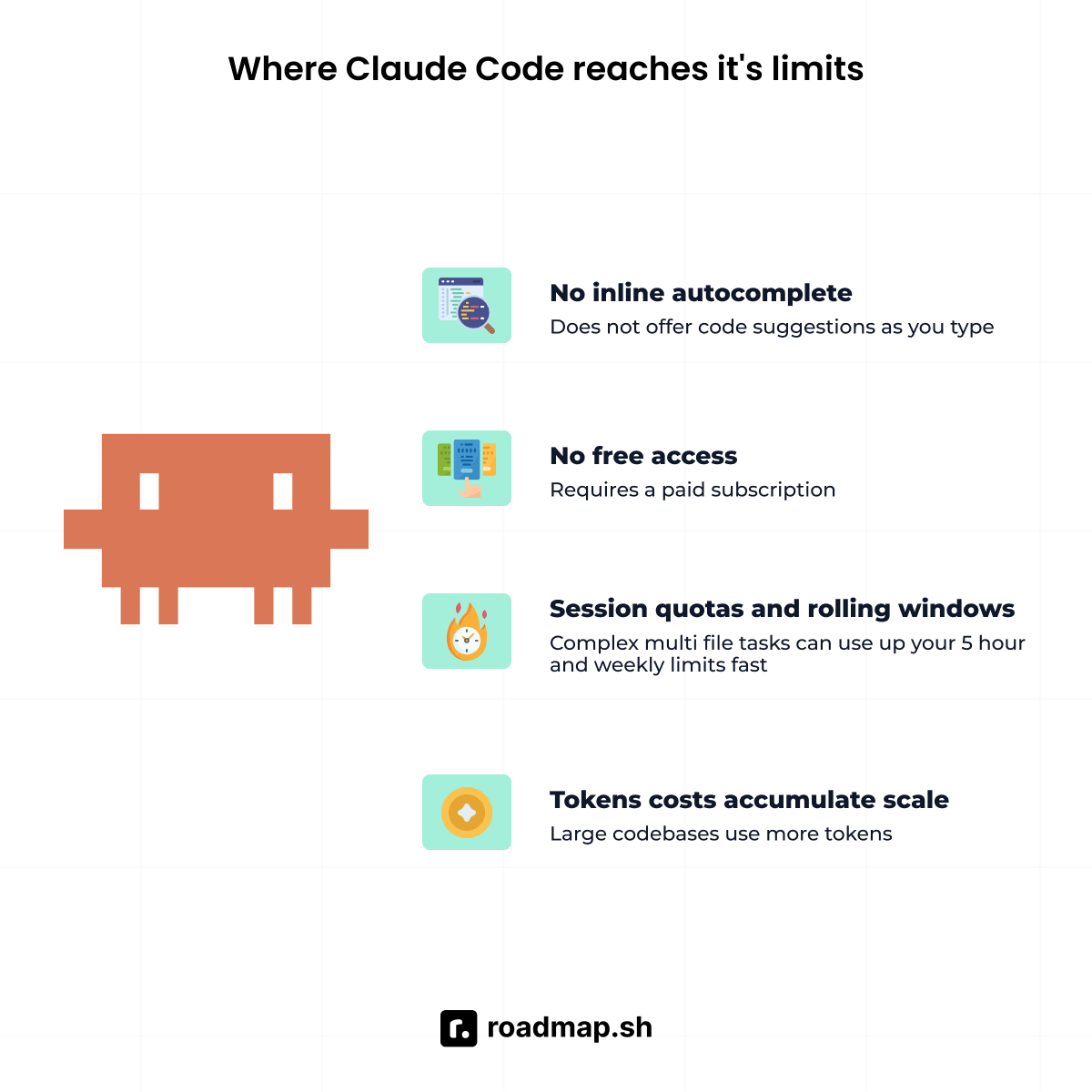
In my experience with Claude Code, it works best on large, complex repo tasks. But it may not be the right tool for every job, so here are its limits.
No inline autocomplete. Claude Code doesn't watch your keystrokes or suggest code snippets as you type in your editor.
Session quotas and rolling windows. Complex, multi-file tasks can use up your 5-hour and weekly limits fast. Run
/usageto check your limits before they run out. You can also move to a higher-capacity Max tier with 5x or 20x more room.No free access. Claude requires a paid subscription starting at $20 - $100/month, depending on the plan.
Token costs accumulate at scale. Working with large codebases uses more tokens and can increase refactoring costs.
Why choose GitHub Copilot?
Copilot is one of the most-used vibe coding tools worldwide. It is an IDE-embedded tool with two main features: inline autocomplete and an agent layer. Inline autocomplete suggests code as you type in your editor. The agent layer handles code review, PR management, and implementation tasks in GitHub.
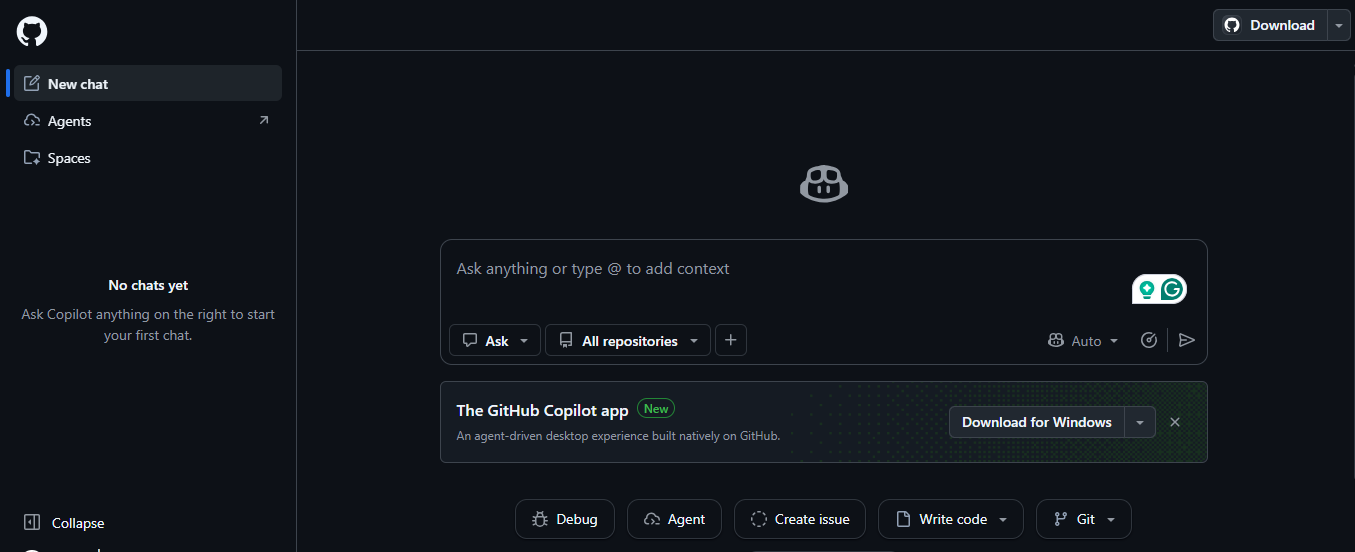
The following reasons show why developers and teams choose Copilot over other tools:
Inline autocomplete and IDE coverage
Use Copilot if you want coding assistance in almost any editor you work with:
Speed. Code completion appears in under a second after you stop typing. Developers accept about 25–35% of these suggestions during normal coding work.
Wide IDE support. Built-in extensions cover VS Code, Visual Studio, JetBrains, Eclipse, Xcode, Vim, and more.
Unlimited code completion. Basic autocomplete doesn't use your monthly AI credits on paid plans.
GitHub ecosystem integration
Copilot works across the entire GitHub platform to make your coding tasks easier. It reviews pull requests and writes commit messages without you leaving GitHub. The GitHub Copilot coding agent can also take a GitHub Issue and turn it into a full pull request on its own.
Copilot CLI gives you three modes for using it in the terminal: Standard, Plan, and Autopilot. Standard keeps you involved at each step, and Plan lets you review the steps before any coding starts. Autopilot mode runs the task from start to finish, without waiting for your input.
Multi-model flexibility
Developers can switch between models using an integrated picker inside the editor. GitHub Copilot Claude access comes with your Copilot subscription, no extra sign-up needed. You can switch between Claude, OpenAI, and Google models from the same picker. But that access varies, since not every Claude model is available on every plan. Some Claude models require a Business or Enterprise plan, and your admin may need to enable access for your team.
For complex repository tasks, you can use the Claude coding agent, currently in public preview. Assign it a GitHub Issue, and it handles the work as an in-platform alternative to Claude.
Pricing and accessibility
Copilot is a good choice for developers and teams on a budget. You can start with a lower-cost plan and upgrade as your needs grow.
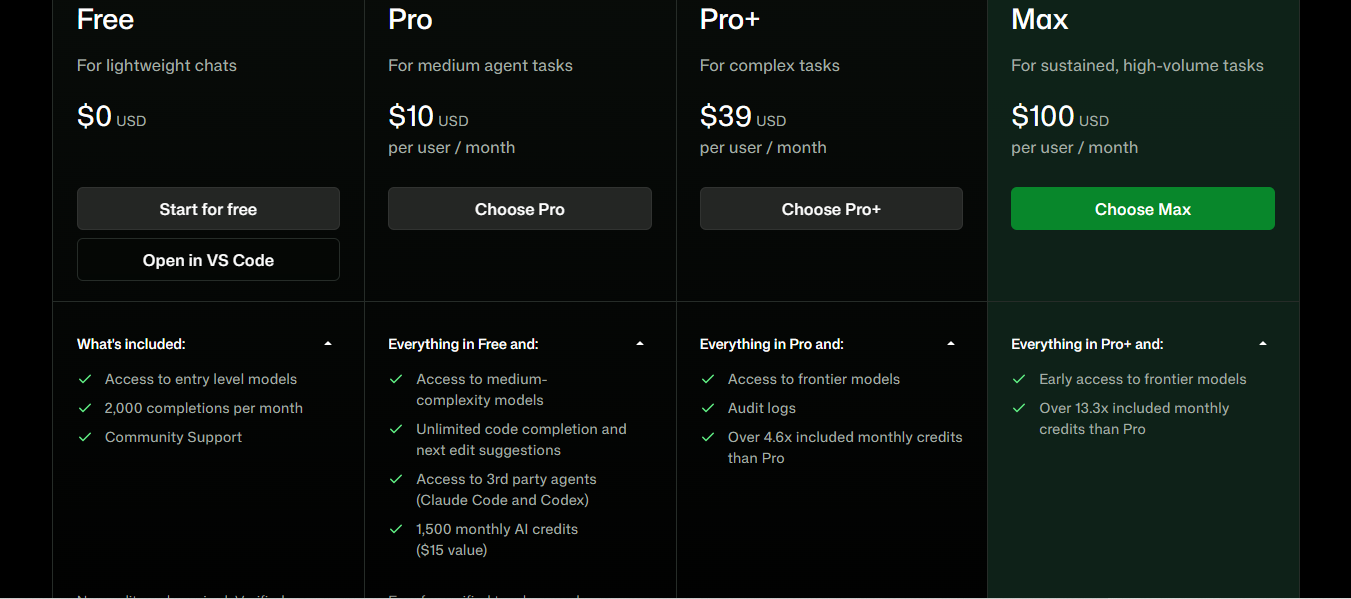
Copilot Free. Costs $0 per month and includes 2,000 completions with basic chat access.
Copilot Pro. Pro costs $10/month with unlimited completions and $15 in monthly AI credits. Pro+ costs $39/month and includes $70 in credits for premium models like Claude Opus.
Copilot Business. Costs $19 per seat per month and adds IP protection, data privacy, and more for teams.
Copilot Enterprise. Costs $39 per seat per month and adds strong security, higher credit limits, and more.
Where GitHub Copilot reaches its limits
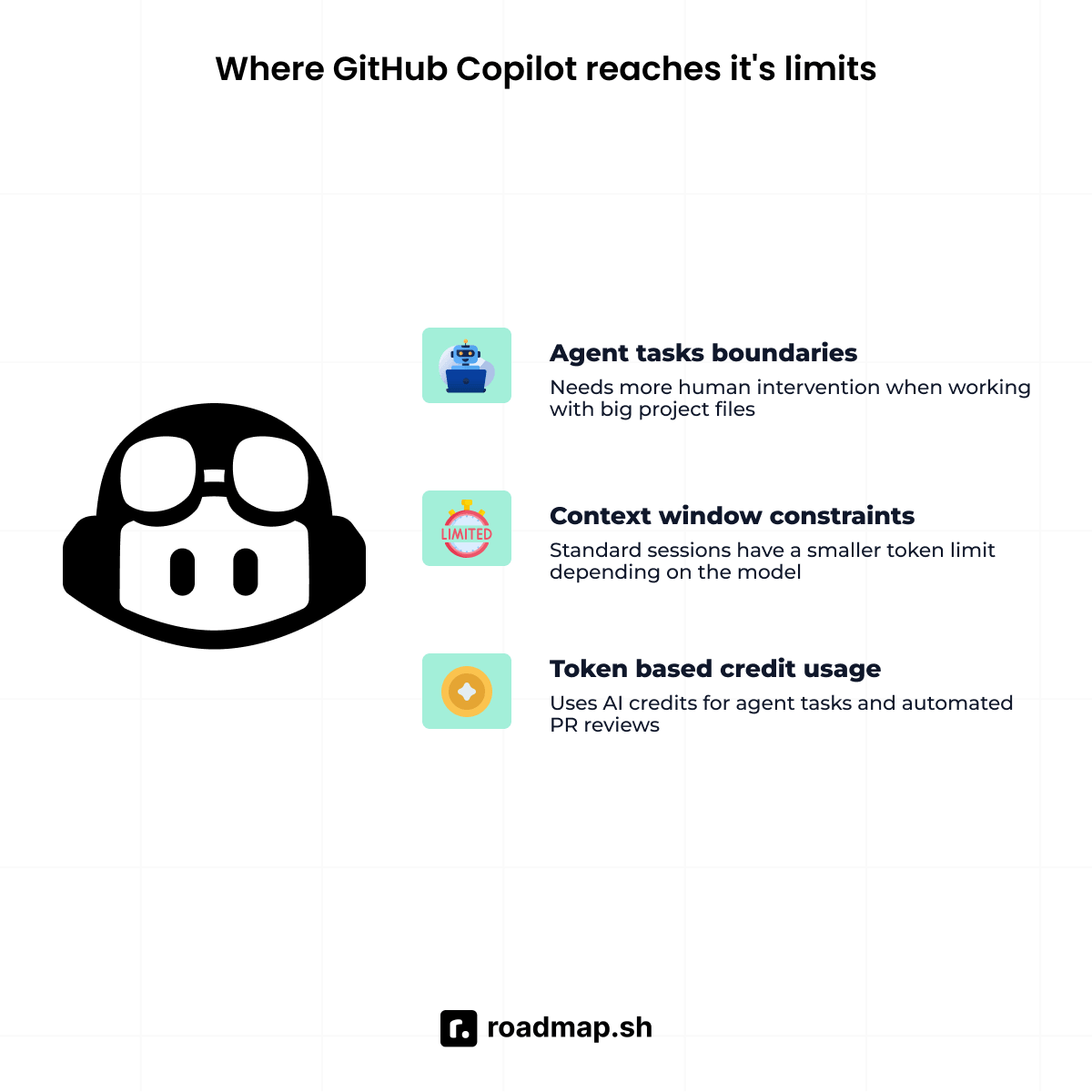
Copilot has its strengths, but you should know its limits before you choose:
Agent task boundaries. Copilot’s agent mode works well for focused tasks within a repository. But if you're handling a big project with many files, you may need to guide it more.
Context window constraints. Standard sessions have a smaller token limit, depending on the model. This can make it harder to work on big codebases because Copilot can't see as much of the project at once. Copilot supports a 1-million-token option for some models in VS Code and the CLI. But you need to enable it yourself, and it uses more AI credits per use.
Token-based credit usage. Copilot uses AI credits for agent tasks, multi-file edits, and automated PR reviews. Heavy users may need to watch their credit use or upgrade to a higher plan.
Claude Code vs GitHub Copilot: Key Differences
Choose the right tool by comparing how they work, context, and pricing. Although both tools use top AI models, they work differently. These differences will show you how Claude and Copilot work in practice.
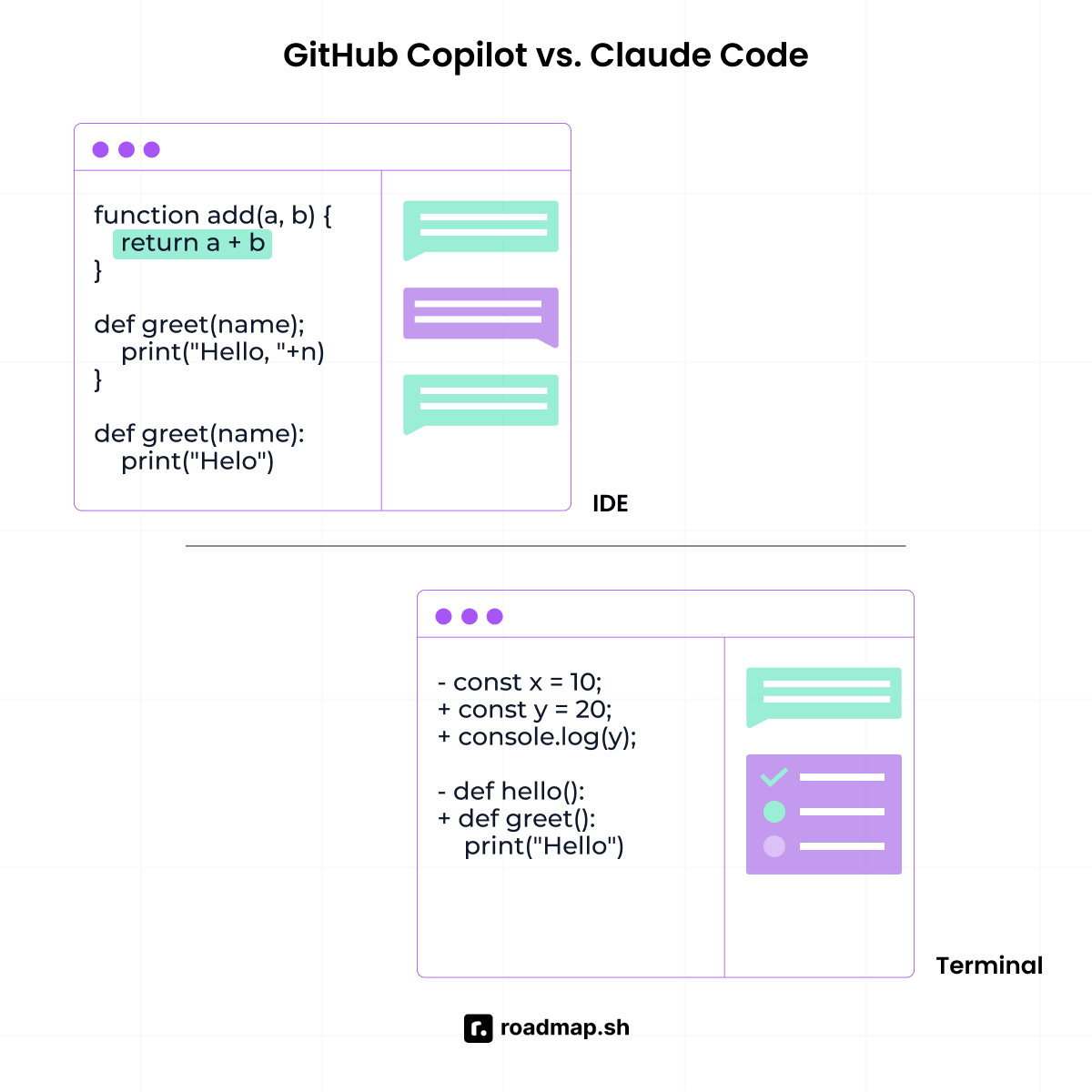
Interaction model: autonomous agent vs IDE assistant
Claude Code works as an AI agent, built to take on a task without step-by-step guidance. It plans the work, makes changes across your codebase, and gives you the result to review.
On the other hand, Copilot works as an IDE assistant that helps you code faster. It suggests code as you type, while its agent layer handles bounded tasks with clear limits.
Context window and codebase scale
Claude Code uses a 200,000-token context window in standard terminal sessions. This gives it enough room to work across many files without losing earlier context.
On the other hand, each Copilot model has a different token limit. For example, GPT 4.0 can only handle up to 128,000 tokens. This can be a problem when you work on tasks that involve multiple files, and Copilot runs out of context.
Benchmark performance
SWE-bench Verified scores for AI can change fast, so rankings can become outdated at any time. As of August 2026, Claude’s latest models rank among the leaderboard’s best performers. Claude Fable 5 leads with a score of 95.0%, followed closely by Claude Mythos Preview at 93.9% and Claude Opus 4.8 at 88.6%.
The Copilot score, in contrast, depends on which model you choose from its picker. GPT-5.2 scores 80.0%, Claude Sonnet 5 gets 85.2%, and GPT-5.1 comes in at 76.3%. Overall, benchmark performance makes Claude Code better for complex, multi-step coding tasks. In contrast, Copilot focuses on active, inline assistance as you write code in your editor.
Pricing structure
GitHub Copilot Pro is $10 a month for one person. For teams, Copilot Business is $19 per seat every month. If you run complex, multi-file tasks or use the agent a lot, you might hit your subscription limit quickly. Once you do, you'll either have to wait for it to reset or pay extra to keep using it.
On the other hand, Claude is $20 a month for individuals with the Claude Pro plan. Teams using Claude need the Claude Team plan, which is $100 per seat per month for at least five seats.
Can you use Claude inside of Copilot?
Yes! GitHub Copilot now supports Claude models in its IDE model picker. You can select models like Claude Opus 5, Sonnet 5, and others directly from the picker. This means you can use Claude without switching tools or leaving the editor.
Which should you learn? Decision framework
The right tool depends on how you work, your tasks, budget, and your team's setup.
Your situation | Recommended tool |
|---|---|
Complex multi-file refactors, migrations, or greenfield features | Claude |
Inline autocomplete while you write code in your editor | Copilot |
Large codebase that needs full-context reasoning | Claude |
GitHub-native PR review, commit messages, and Issue automation | Copilot |
Budget-conscious individual developer | Copilot Pro ($10/month) |
Maximum autonomous task depth on hard architecture work | Claude |
Model flexibility without a separate Claude subscription | Copilot Pro+ with a Claude model selected |
Large team rollout with governance and budget constraints | Copilot Business/Enterprise |
Small team or startup that prioritizes code quality on hard problems | Claude Code Team Premium |
CI/CD pipeline integration for autonomous code tasks | Both: Claude for depth, Copilot for the GitHub ecosystem |
Just getting started with AI coding tools | Copilot free or pro (lower barrier to entry) |
For individual developers
Start with Copilot Free to learn inline completions and basic chat access.
Use Claude Code when you need an agent to handle full tasks on its own.
If your budget permits, combine both tools. Use Copilot Pro for fast code suggestions and Claude Code Pro for full task work, for $30 per month.
For engineering teams
If you have a large engineering team, choose Copilot Business at $19 per seat. You'll get access to 3rd-party agents and a broad model catalog, all in one plan.
Go for Claude Code Team Premium for $100 per seat if you're on a senior team or a core maintainer. It's perfect for complex infrastructure jobs like revamping your CI/CD pipeline.
Use both tools if you need fast code suggestions and task automation. This setup supports both daily coding and larger tasks.
The Bottom line
Claude Code and GitHub Copilot serve different roles in the development workflow. Claude Code is great for solving big, multi-file projects where you want an agent to handle more of the work. In contrast, Copilot works best for fast code suggestions, GitHub tasks, and access to many AI models at a lower starting price. Neither tool is superior; it depends on how you work and the tasks you handle.
Discover the Claude and GitHub roadmaps on roadmap.sh to learn more about both tools. You can also browse the complete roadmap catalog or ask the AI Tutor which option fits your needs.
