The 10 Best Vibe Coding Tools in 2026: Our Choices

 William Imoh
Vibe coding is a new trend in software development that focuses on the result. Instead of writing lines of code by yourself, you describe to the AI what you want to build in plain language. The AI tool then generates code, interfaces, or components of the web application based on your request. You check the output, suggest changes, and go back and forth with the AI until the result matches what you want.
These AI tools for vibe coding fall into two main groups. The first group is AI app builders such as Lovable, Bolt, and Replit. They generate complete applications from a written project description. The platforms also manage hosting, so users don't need coding experience to use them. The second group is AI coding assistants such as Cursor and Claude Code. They sit inside development environments (code editors, plugins, or terminal agents) and help developers write, debug, and ship code faster.
However, the main challenge in 2026 is choosing the right tool for your projects. A tool built for a senior engineer working on complex projects might not be the best fit for a student working on their first project, and vice versa. Choosing the wrong tool will slow you down and potentially create problems in production.
Choosing the tool that suits you best is the first and most important call you need to make. It saves you time, cuts costs, and gets you a working product faster. This guide walks you through the 10 best vibe coding tools for 2026. For each tool, I'll give you a full breakdown of key features, who it serves best, pricing, pros, and cons.
TL;DR
If you're getting into vibe coding, follow the vibe coding roadmap on roadmap.sh for everything you need to know. These are the 10 best tools for vibe coding I'd recommend for you in 2026:
Claude Code
Gemini CLI
OpenAI Codex
Cursor
Windsurf
Lovable
Bolt.new
v0 by Vercel
GitHub Copilot
Replit
Let's see a table of how all 10 AI tools for vibe coding compare to each other:
AI tool | Category | Best for | Pros | Cons |
Claude Code | Terminal AI agent | Developers who work on complex codebases | Deep codebase context, agent mode, high code quality | Terminal-only, steep learning curve |
Gemini CLI | Terminal AI agent | Developers using the Google ecosystem | Generous free tier, 1M token context window | Newer AI coding tool, smaller community |
OpenAI Codex | AI coding assistants | Developers who build apps with ChatGPT | Parallel tasks, isolated cloud execution | Less IDE-native than Cursor |
Cursor | AI-assisted editor | Developers on existing code bases | Multi-file editing, model flexibility, and strong support for existing code bases | Costs can rise fast on large projects |
Windsurf | AI-assisted editor | Professional developers, multiple team members | Fixed monthly price, strong agent mode for complex tasks | Takes time to master agent commands |
Lovable | Full-stack app builder | Non-dev founders | Visual editor, web applications, user authentication | Limited backend depth |
Bolt | Full-stack app builder | Rapid prototyping, non-technical users | Generous free tier, full-stack applications | Hard to customize the generated code |
v0 by Vercel | UI component app builder | Frontend and React developers | Clean React and Tailwind output, design system support | Frontend only, no backend |
GitHub Copilot | AI pair programmer | Teams using different IDEs like VS Code and JetBrains | Works with most IDEs, low-cost entry point, strong support for existing code bases | Not a full app builder |
Replit | Cloud-based development environment | Non-coders, students, and teams building internal tools | All-in-one platform, zero setup | Vendor lock-in can be an issue |
With this summary in mind, the sections that follow cover each AI coding tool in depth. By the time you finish reading this guide, you'll know exactly which tool is the best fit for your project needs.
The best vibe coding tools in 2026
The following are the best tools for vibe coding in 2026.
Claude Code
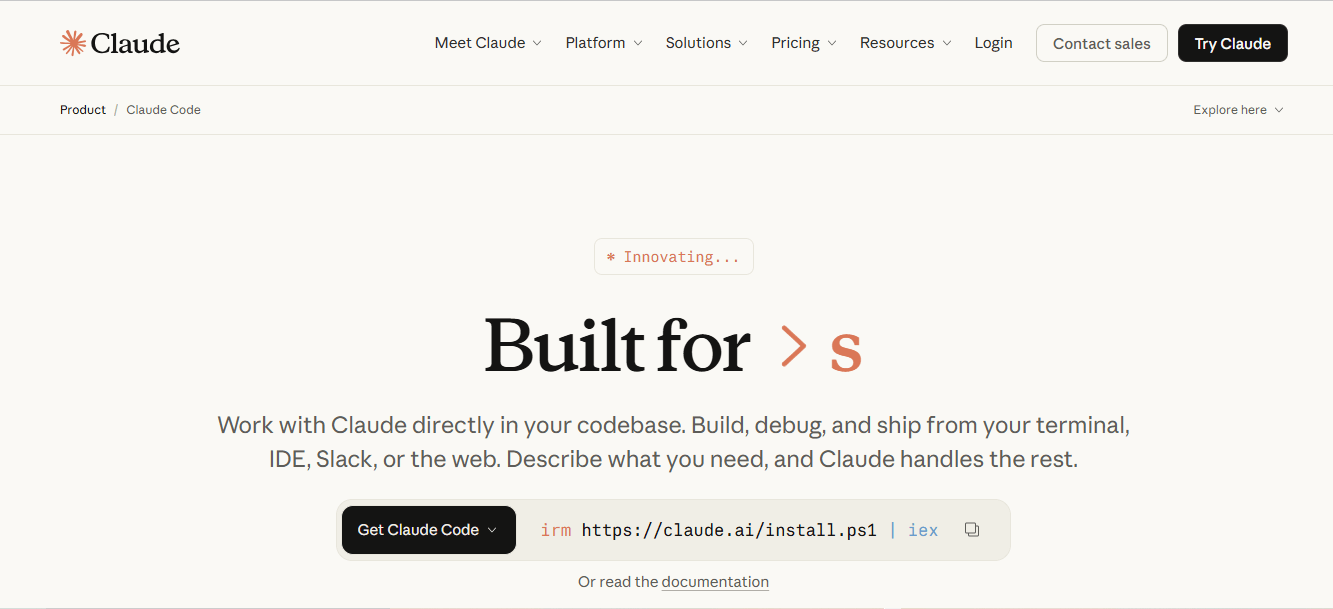
Claude Code is a terminal-based AI coding agent built by Anthropic in 2025. It runs on the command line and connects to your entire codebase. Before it starts working, Claude Code shows you its reasoning as text output so you know what it plans to do. You review the plan and approve before anything runs. From there, the AI code agent reads files, runs commands, makes multi-file edits, and proposes and applies fixes on its own.
The vibe coding workflow with Claude Code starts with a natural-language request. It can work from high-level instructions without step-by-step guidance. You give it an initial prompt like "Build me a user dashboard with dark mode," and Claude Code starts building from there. For developers who prefer a visual editor, Claude Code offers a VS Code extension. It adds a workspace to your IDE that provides visual feedback on changes and lets you review and approve before anything runs.
Features
Agent loop to gather context, edit files, and run tests for verification.
Plan mode to research code and outline changes before you edit files.
Dual-model power using Opus 4.6 for deep reasoning and Sonnet 4.6 for fast tasks.
Model context protocol (MCP) servers connect the agent to Google Drive, Jira, Slack, and more.
Project context stores standards in a Markdown file (CLAUDE.md) to avoid repeating instructions.
Keyboard shortcuts toggle between manual approval and auto-edit modes.
A permission-first design that requires your consent to change code.
Best for
Claude Code is suitable for experienced developers who work on large, complex projects. It makes this list because it goes deeper into a codebase than any other terminal tool in this guide.
If you don't have coding experience, Claude Code has a steep learning curve. You need to be comfortable working in the terminal and reading AI-generated code. It waits for your go-ahead before running any change, so your judgment is the final check. To keep learning, follow the Claude Code roadmap.
Pros
High code quality for large projects when using the Opus 4.6 model.
Time savings allow the AI to fix issues and run tests while you focus on high-level tasks.
Project safety features help reduce risk with automatic snapshots and revert options.
Cons
You need command-line knowledge, so it is not as easy as point-and-click tools.
High token usage can drain your budget during long-running tasks.
Claude Code can take longer to process large and complex codebases before responding.
Pricing
Claude Code operates on a subscription model with no free plan. The Pro plan costs $20 per month or $17 per month if you pay annually, and it includes Claude Code access. The team plans standard seat starts at $20 per person per month on an annual plan ($25 per person/month on a monthly plan).
Most paid plans use a fixed subscription instead of charging you every time you use it. If you use Claude Code as your main tool, going with this option is often a better deal than paying per API token.
Gemini CLI
Gemini CLI is Google's open-source AI agent for terminal-based development. Google released it in June 2025, and it now runs on the Gemini 3.1 model family and uses auto-routing by default. It brings
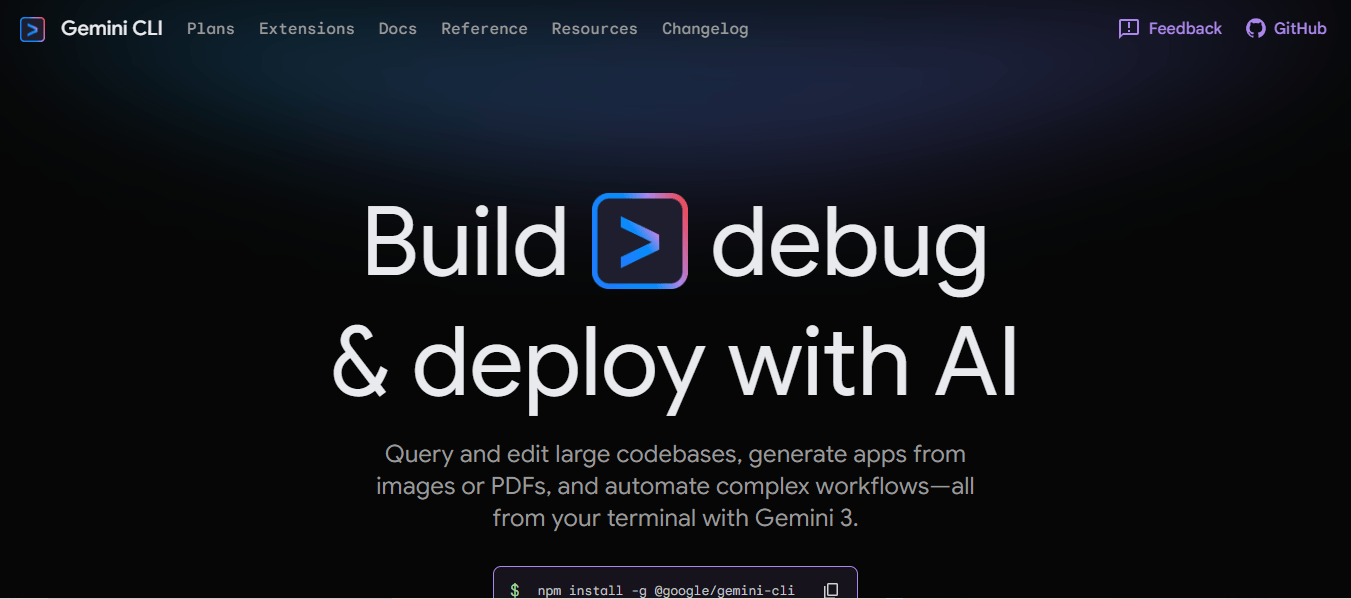
AI-assisted development into your command line and turns it into a workspace where you can ask the AI to read and write files for you.
From your terminal, you can generate code, edit existing codebases, run shell commands, and tap into Google's full set of AI services. You do all this using natural-language instructions without opening a browser or any other tool.
Features
Agent skills use specialized agents to bring the right expertise to each job.
GEMINI.md stores project instructions in a file to give the agent context for every prompt.
High context window that handles one million tokens for large projects.
Plan mode provides a safe space to review a plan before the agent starts an edit.
MCP servers connect remote tools and data through the terminal to expand what the agent can do.
Best for
Gemini CLI is great for developers who know how to code and like working in the terminal. It earned its spot in this guide for offering the most generous free tier among terminal-based agents.
If you work with Google Cloud, Gemini CLI is perfect for you, and it requires minimal extra setup. The free tier lets developers get a feel for Gemini CLI as an AI terminal agent before they pay for a plan.
Pros
Free tier access for individual users with 1,000 requests per day.
Large context window of one million tokens, to analyze entire codebases or large logs.
Full source code on GitHub under the Apache 2.0 license.
Cons
Some advanced features and Google Cloud setups are not available in all regions.
Code updates may be weaker and miss edge cases when compared to tools like Claude Code.
The tool may switch from Pro to Flash when you hit usage limits.
Pricing
Gemini CLI offers three pricing options: free tier, paid (fixed price), and pay-as-you-go. The free tier provides 1,000 requests per day when you log in with your personal Google account.
The pro paid plan costs $19.99 per month and gives you higher daily limits for Gemini 3.1 and access to more advanced AI tools across the Google ecosystem. The pay-as-you-go option charges you based on the tokens you use through a Gemini API key. Large organizations usually purchase fixed seats in the Google Cloud console for their entire team.
OpenAI Codex
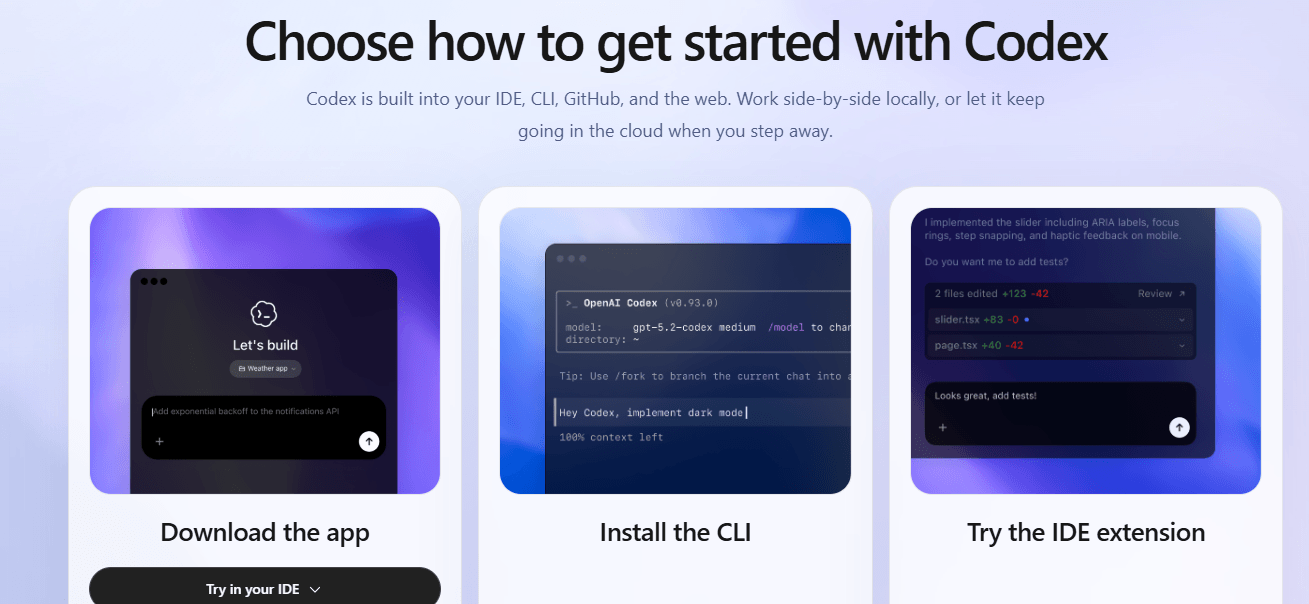
OpenAI Codex is OpenAI's AI coding agent for software development. Codex is available across desktop apps (macOS and Windows), the CLI, an IDE extension, and a web browser. It runs on GPT-5.3, a flagship model built for strong coding, reasoning, and agentic workflows. Codex delivers AI-assisted development within your existing workflow. You give the agent a task, it generates and suggests code based on your instructions, and you come back to review the result.
Features
Three-mode dial (Read-only, Auto, Full Access) that goes from manual control to full agent access.
Local code review scans your changes and commits to find risks before you open a pull request.
Subagents split complex jobs across several sessions at once, so no task blocks another.
MCP support connects third-party tools and data through the terminal to extend what the agent can do.
Best for
OpenAI Codex suits those who want to delegate tasks to an AI coding agent rather than write every line of code. Codex is on this list because it runs tasks across multiple agents at the same time. No single task blocks another, so your team ships features faster. Developers who already pay for ChatGPT Plus get Codex at no extra cost, since it's included in the same plan.
Pros
Business and Enterprise plan users get SOC 2 Type 2 security compliance. This makes it a good option for teams with strict data protection requirements.
Versatile integration links your terminal to GitHub for automated pull requests.
Cons
It struggles to manage large system design and complex architecture.
Learning curve requires coding knowledge to set up and master agentic features.
Pricing
OpenAI Codex has no standalone subscription. It comes bundled with all paid ChatGPT plans, and paid plans start at $20 per month with the Plus tier. The Pro Plus plan, which costs $60 per month, offers higher usage limits and top-priority access to the latest models. If you're on the Pro or Plus plan and run out of credits, you can just buy more to keep going instead of switching to a higher plan.
Cursor
Cursor is one of the most used tools in the Vibe coding space among professional developers. Anysphere, founded in 2022, launched Cursor, an AI-first code editor and VS Code fork, in 2023. It runs on models like Claude Sonnet 4.5 and Opus 4.6, GPT-5.3, and Gemini 3 Pro, so you can pick the right model for each job. Cursor carries the same look and feel as VS Code but adds AI features into every part of your coding experience.

Features
The agent writes code across multiple files and runs terminal commands to build entire features.
Codebase indexing uses a custom model to understand your whole project before the AI writes code.
Parallel subagents run multiple tasks at once using the best model for each.
Plan, design, and debug: Let the AI build a plan, edit pages by clicking elements, and use real data to find bugs.
Terminal, Git, and checkpoints run shell commands and save project snapshots, letting you roll back to any state.
Plugins, skills, and MCP connect tools like Figma and Slack to let teams save commands for code reviews.
Best for
Professional developers and engineering teams who work on large, complex, existing projects. It earns its spot on this list because it understands your codebase as context, suggesting, rewriting, and explaining code.
If you already use VS Code, Cursor fits into your setup from day one with no extra configuration needed. Developers with basic code understanding can also use it to build small to medium projects. The AI breaks down the code and guides you through any changes in plain language.
Pros
It runs autonomous tasks in parallel, so you can work on other files at the same time.
Familiar VS Code interface reduces setup time.
It allows switching between Claude, GPT, and Gemini within the same editor for different jobs.
Cons
Data sharing sends code to third-party APIs unless you enable privacy mode.
Agent mode can change or delete code in ways that are difficult to track.
It can miss edge cases or suggest APIs that do not exist in complex projects.
Pricing
Cursor offers a free hobby plan to test the tool before paying, with no credit card required. Paid plans start at $20 per month and include a credit pool for premium model usage, billed at API prices. This plan also offers extended agent limits, access to frontier models, and MCP.
If you use up your $20 pool, Cursor gives you a little time to set a spending limit before you have to continue at that price. The Teams plan starts at $40 per user per month and has an admin dashboard with usage analytics, SSO, and more. If you pay yearly, you'll get a 20% discount on all the paid plans.
Windsurf
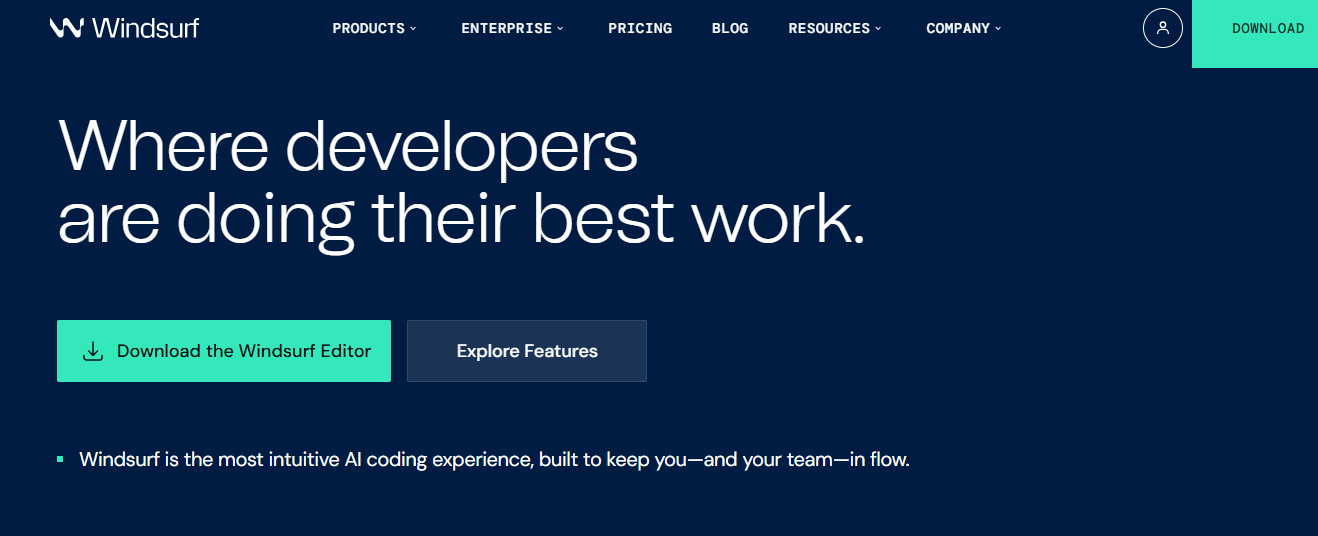
Windsurf is an agentic AI-assisted editor launched by Codeium in late 2024. It started as an autocomplete tool, but was rebranded as a full AI IDE built on a VS Code fork. Windsurf uses SWE-1.5 as its main agentic model, but you can get GPT-5.4 and Claude Opus 4.6 on paid plans for more complex tasks. You can use it as a desktop app on macOS, Windows, and Linux with full VS Code extension support. It also offers extensions for editors like JetBrains, VS Code, Vim, and more.
Features
Cascade works on multi-step tasks with full awareness of your edits and terminal commands.
Tab predicts your next edit and suggests entire functions from a single keystroke.
Linter integration detects errors and fixes code without prompting.
Model selection allows switching between SWE-1.5, Claude Opus 4.6, GPT-5.4, and Gemini 3.1 Pro for various tasks.
Arena mode compares two different AI models on the same prompt.
Windsurf previews show your website in the editor so you can edit elements in real time.
Best for
Windsurf is best suited for developers working on large, complex codebases. It earns its spot in this guide for its Cascade feature, which tracks changes across the codebase and applies them. Windsurf suits you if you want an AI that can handle tasks with less manual intervention.
Pros
Memory system learns your coding patterns and project structure over time.
Fast context technology indexes your full codebase to deliver accurate, context-aware code suggestions.
VS Code fork transfers your extensions and themes with no setup delay.
Cons
Stability issues cause crashes or stall AI sessions on large codebases.
Daily and weekly quota caps restrict heavy users who need flexible access.
Resource-heavy tasks drain the laptop battery and RAM during codebase scanning.
Pricing
Windsurf has a basic plan with limited AI capabilities to try out at first. If you want to upgrade to the Pro plan, it's $20 a month with a standard usage quota and full access to the SWE-1.5 model. Your allowance refreshes daily and weekly, but you can buy extra usage at API costs if you exceed your limit.
If you're working in a team, the $40 per-user plan gives you a set daily usage limit, and you can share extra usage units. You can also add on SSO security for $10 per user each month to keep your code safe.
Lovable
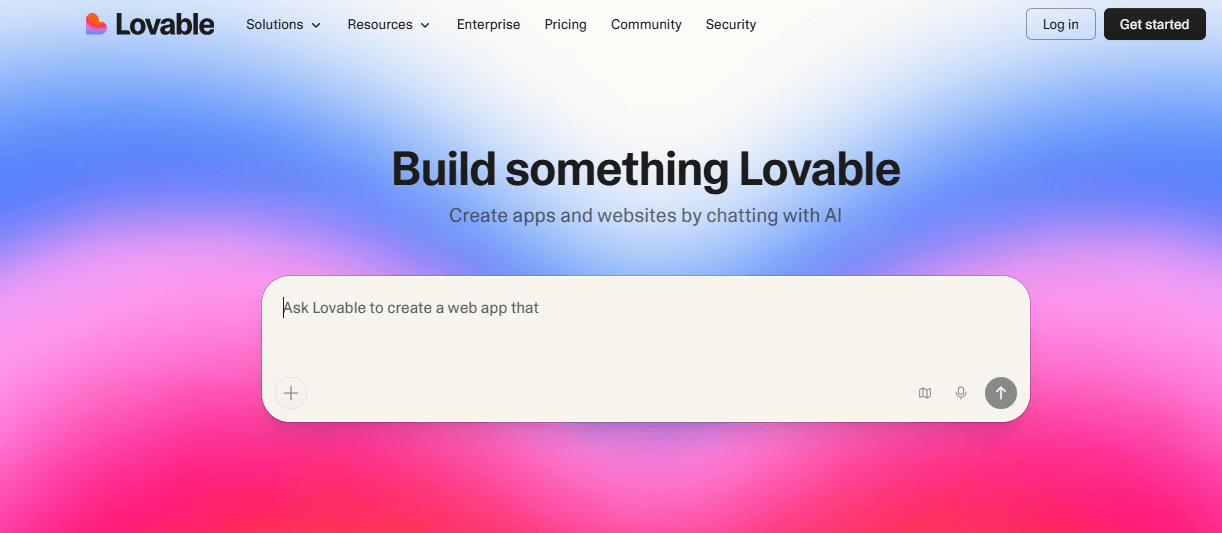
Lovable is an AI-powered app builder that Anton Osika and Fabian Hedin launched in 2023. It started as GPT Engineer (an open-source project) but rebranded as Lovable in 2024. You can use it in any browser without installing or setting up anything on your computer. Lovable runs on Claude Opus 4.6 and takes care of the hardest parts of building software for you. It handles hosting, infrastructure, authentication, and deployment so you can focus on defining your project.
Features
Plan mode maps out ideas and builds a step-by-step blueprint before the AI writes code.
Agentic mode acts as a full-stack engineer to edit and verify fixes across your whole project.
Supabase integration adds a database and user authentication with no backend setup.
One-click deployment pushes your app to a live Lovable or custom domain without any separate hosting setup.
Best for
Lovable is here because it's one of the fastest tools for turning ideas into working products for beginner users. It's best for non-techies like founders, entrepreneurs, and product managers who need to build a Software as a Service (SaaS) product fast. Designers who just want a finished product without coding or hiring a developer can also use it.
Pros
It builds a live app from your idea in minutes without a single line of code.
It provides modern UI components to help you avoid repetitive boilerplate code.
It syncs every change to GitHub, granting you full ownership of the clean TypeScript codebase.
Cons
It lacks a dedicated desktop IDE for offline work.
It struggles with complex or custom backend requirements.
Credit caps limit the number of AI messages on starter plans.
Pricing
Lovable works on a credit-based pricing system; you get a set amount each month to use for AI work. The free plan gives you five credits a day, which is good for small projects, but your work will include the Lovable logo.
The Pro plan costs $25 a month and gives you 100 credits, plus you can remove the logo. You can share the Pro plan with as many team members as you want for the same price.
Bolt
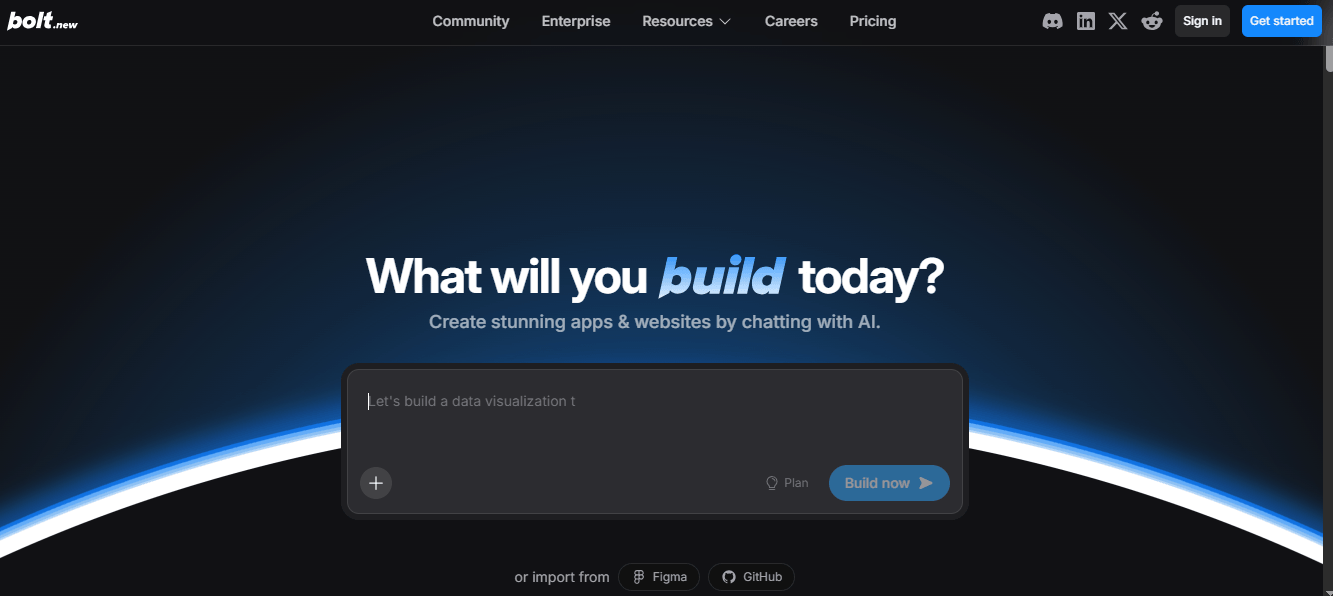
Bolt is a browser-based AI app builder launched by StackBlitz in October 2024. You can access it from any browser tab on any device, with no installation or local setup required, via WebContainers technology. It's powered by Anthropic's Claude, which helps generate the code for your app. With Bolt, you can build apps with frontend, backend, and database at once.
Features
Web containers run a full Node.js environment in your browser.
The full-stack setup generates frontend and backend code, often using React and Node.js.
Supports Figma imports, which allow you to bring designs into your project at any stage of development.
Autonomous debugging detects and fixes code errors on its own.
Terminal access allows manual commands for debugging or installing packages.
Best for
Bolt is on this list because it can build a full-stack application, including the frontend, backend, and database, from a single prompt. It's best for non-dev founders and solo entrepreneurs who want to test an app idea fast. Bolt gives them an environment where they can turn an idea into a working product in the browser with no setup.
Pros
Start projects without installing Node or Git on your local machine.
Open source code on GitHub lets developers inspect, fork, and contribute to the tool.
It shows live code changes in the preview window as you update code.
Cons
It can lag or crash when you work with large file structures.
No offline mode since the full development environment runs in the browser and needs a constant internet connection to work.
It misses some Git features (like branch management) that desktop IDEs provide.
Pricing
Bolt uses a token-based pricing system. You get one million free tokens per month, with a daily cap of 300,000 tokens, and you don't need a credit card. The pro plan is about $25 per month for more tokens and extra features. The team's plan is $30 per member per month, with each member getting their own 10M token allocation. Unused tokens from one month roll over to the next for paid subscriptions, making it more flexible than other tools.
v0 by Vercel
v0 by Vercel is an AI-powered UI builder built by Vercel, the team behind Next.js, and launched in 2023. You access it from any browser with no local setup or installation needed. It runs on Vercel's own AI models (v0-1.5-md, v0-1.5-lg, and v0-1.0-md) and connects to your GitHub repo and Vercel environment. v0 generates actual code directly in your project, rather than in a separate sandbox environment.

Features
Generative UI builds React apps with Tailwind CSS and shadcn/ui from text or image prompts.
Design mode combines visual controls and live feedback to edit your project without using AI credits.
One-click Vercel deployment ships projects to a live URL with built-in hosting and SSL.
GitHub sync connects to your repository to push code and skip manual work.
Best for
v0 stands out because it produces React and Tailwind code that teams can use in production without a full rewrite. It's a strong fit for frontend developers and designers who build with React, Next.js, and Tailwind.
Pros
Fast speed creates usable Tailwind and React code in seconds.
Vercel ecosystem ships projects to a live URL with high-performance hosting.
Cons
Vendor lock-in favors Vercel-specific tools like shadcn/ui over other libraries.
Complex UI edits drain your daily or monthly AI limits fast.
Complex logic and heavy backend tasks fall outside what v0 can handle on its own.
Pricing
v0 uses a credit-based pricing structure depending on how much you need. The Free v0 plan gives you $5 in credits each month, which is enough for about 10–15 generations. If you're a solo Vibe Coder, the Premium plan might be more your speed. It costs $20 a month and gives you $20 in credits, plus a $2 bonus every day you log in. This plan also lets you import designs straight from Figma. If you're working with a team, you can sign up for the Team plan, which costs $30 per user each month. With this plan, you get shared credits and collaborative workspaces.
GitHub Copilot
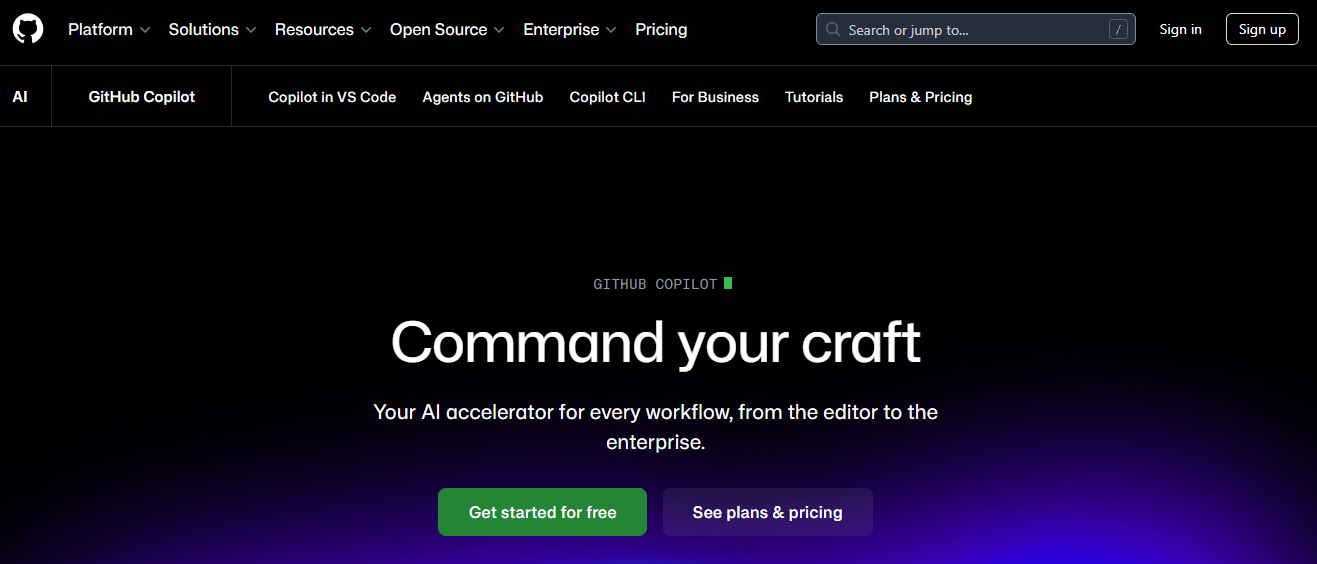
GitHub Copilot is an AI coding tool launched by GitHub in 2021. GitHub built it in collaboration with OpenAI and Microsoft. You can use it in various editors, including VS Code, Visual Studio, JetBrains, and more. It runs on GPT-4.1 for code generation and completions by default, but if you're on Pro+ or higher, you get access to stronger AI models like Claude Opus 4.6 and GPT-5.
Features
Coding agent assigns GitHub issues directly to Copilot to open pull requests for review.
Multi-model access lets you choose from models by Anthropic, Google, and OpenAI for each task.
Code review runs automated checks on pull requests to flag bugs and security risks.
Supports multi-file edits through the chat interface.
Copilot extensions connect to tools like Jira and Azure to access additional data.
Best for
GitHub Copilot makes this list because it integrates with more editors and IDEs than any other tool in this guide. It’s best for developers and engineering teams already using GitHub. It fits into that same platform from day one, so they get AI coding support without adding a new tool to their setup. Also, it serves students and open-source maintainers who can access the tool for free.
Pros
Trained on large datasets of public code.
It offers a low monthly price for unlimited basic suggestions.
Enterprise-grade security to protect data and provide legal protection for private code.
Cons
It may lack knowledge of the latest library updates or frameworks.
It’s tied closely to the GitHub and Microsoft environment and does not fully support local AI models.
Pricing
GitHub Copilot has five options: Free, Pro, Pro+, Business, and Enterprise. Pro is $10 per month, Pro+ is $39 per month, Business is $19 per user per month, and Enterprise is $39 per user per month, with an extra fee ($21) for GitHub Enterprise Cloud.
The free plan doesn't need a credit card, and Pro offers a 30-day trial before charging you. With Pro+, you get 1,500 premium requests and high-capacity access to frontier models like Claude Opus 4.6 and GPT-5. All paid plans use a premium request system where you pay $0.04 per extra request.
Replit
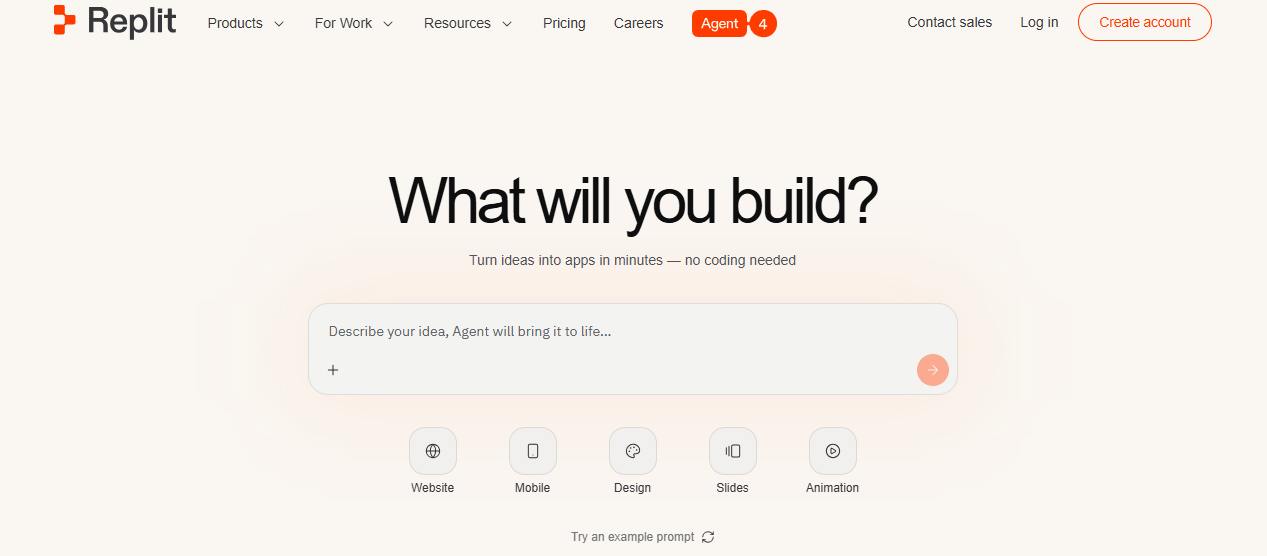
Replit is a cloud-native and browser-based vibe coding platform founded in 2016. It gives you a full development environment for building software in one place. You access it from any browser with no installation or local setup needed. It runs on Agent 4, its own AI agent built for fast software development.
Features
Agent 4 plans, codes, and refines your project with parallel tasks and autonomous testing.
The integrated stack combines hosting, a database, and auth in a single browser tab.
Figma Import turns design files into working code, so your team skips the gap between design and development.
Collaborative coding enables up to 15 users to edit the same file at once.
Best for
Replit stands out for combining many development tools in a single browser environment (code editor, AI agent, terminal, hosting, and version control). It's great for non-technical users, early-stage founders, and product teams who want to create software with minimal coding. Beginners can also use it without knowing about servers or terminal commands.
Pros
Low barrier to entry for building and hosting apps with zero local setup.
It supports building and deploying code from mobile devices.
You can manage code, databases, hosting, and AI in a single space.
Cons
It uses its own stack, which makes it hard to move projects to your computer.
You may see delays in the editor during heavy use.
Privacy trade-offs due to the lack of virtual private cloud (VPC) isolation on standard plans.
Pricing
Replit has 4 plans: starter (free), core ($20/month), pro ($100/month), and enterprise (custom pricing). The starter plan includes free daily agent credits and one published app, with no credit card required, but it will include the "Made with Replit" badge. With core, you get $20 in monthly credits, can collaborate with up to five people, and you won't get the badge. Pro allows up to 15 builders, access to the most powerful models, and premium support. Just remember, the more complex the task, the more credits it'll cost you.
What to consider when choosing a vibe coding tool
Choosing a tool for vibe coding based on hype rather than your actual needs leads to frustration. What works for someone else may not work for your skill level, team size, or project type. These factors will help you pick the right tool:
Skill level and tool category
When choosing a tool for vibe coding, the first thing to consider is who will be using it. The tools fall into two categories, as I mentioned earlier: app builders (Lovable, Replit, v0 by Vercel) and AI coding assistants (Cursor, Claude Code, Windsurf AI, GitHub Copilot, Gemini CLI, OpenAI Codex). AI coding assistants work inside your existing workflow as code editors, plugins, or terminal agents. App builders are great for people without a coding background, such as non-developers, founders, and product teams.
AI coding assistants like Cursor, Claude Code, Gemini CLI, and GitHub Copilot are better suited for people with coding experience. If you choose the wrong tool for your skill level, you're just going to waste time and get poor results. Choose the tool that works best for you, not just the one that looks good on paper.
Deployment and code ownership
When it comes to deploying and managing your code, it's important to find the right balance. Platforms like Replit do most of the work for you, but your app will run on their servers. If you want to move your project to a different platform, you'll need to do some technical work.
Vibe coding tools like Lovable and Bolt make it easy to do both. They take care of hosting, so you don't have to worry about setting up servers or managing infrastructure. Also, they allow you to export your code to GitHub, making it easy to switch platforms whenever you want.
Other tools, like GitHub Copilot, Cursor, or Claude Code, work on files on your computer, meaning you own the code and can deploy it on your own servers (Vercel, AWS, etc.). You'll have to do more setup work, but you get to decide where your code runs. So, think about whether you want a tool that does everything for you with ease or one that puts you in control of your code.
Pricing model
Vibe coding tools charge you in three main ways: by credits, by seats, or by usage. With credit-based pricing, you get a set amount of credits each month and pay based on how much you use, like Replit and Cursor. Seat-based pricing charges a fixed fee per user per month, like GitHub Copilot Business, which costs $19 per user.
Usage-based pricing charges you depending on how many tokens or requests you use, like the pay-as-you-go option on Claude Code or Gemini CLI. Your actual monthly cost will vary depending on how much you use the tool and how complex your tasks are. If you use the tool for short sessions on a credit plan, you might never reach your limit, but heavy users could spend more than the base plan price.
Production vs. Prototyping
AI-generated code can carry security vulnerabilities and weak code foundations. If you skip a human check and go straight to production, you're risking your app and users' safety. It's a major drawback of vibe coding that you need to be cautious of.
Tools for vibe coding are great for rapid prototypes, MVPs, and side projects where speed is key. But when it's time to go live, treat the AI output as a starting point rather than a finished product. Have a developer review it for security issues and output quality before you ship it to real users.
Which vibe coding tool should you use?
Choosing the best tool from this list comes down to knowing who you are and what you need to build. This breakdown shows which tool is the best match for each user type.
Experienced developer
Claude Code is good for developers who prefer a terminal-first AI agent that can handle difficult tasks across multiple files. If you prefer editing in VS Code and want deep codebase context, Cursor or Windsurf might be more your speed. And if you're just starting out and want something free with Google integration, Gemini CLI is the way to go. No need to commit monthly either.
Non-technical founder or product manager
If you're a non-technical founder or product manager looking to turn your idea into a live full-stack application without coding, Lovable is best for you. But if you want more flexibility and a free tier for rapid prototyping, Bolt is a good option. And for teams focused on app development for internal tools and dashboards, Replit has got you covered with an all-in-one browser-based environment.
Student or beginner learning to code
If you're a student looking to get into coding, GitHub Copilot is a good choice. It's free with GitHub Education, and you don't even need a credit card. And if you want to build prototypes and learn as you go, Cursor is the tool for you. It gives you a VS Code environment where the AI helps you write code in simple words (natural language). But if you're a beginner learning to code and want to go into app development, Lovable or Replit are great options for turning your idea into a real product.
Frontend developer
If you're a frontend developer using React and need some quick, production-ready code, V0 by Vercel is where I’d point you. It works well with Next.js and Vercel, so it's perfect if you're already using those stacks. But if you're working on big projects that need a lot of code and context, Cursor might be better for you. And if you want some AI assistance and rapid prototyping without changing tools, give Windsurf or GitHub Copilot a try.
Enterprise or team context
If your company uses GitHub and wants AI features like policy controls, audit logs, and IP protection, GitHub Copilot Business or Enterprise is your strongest option. For teams working on big, complicated full-stack applications that need advanced code analysis and multi-file code generation, Cursor Teams or Claude Code are your best bet. If you just need a simple solution for building and deploying internal tools without all the DevOps hassle, Lovable Pro is a good fit.
Wrapping up
The goal of vibe coding tools is not to replace developer judgment, and they were never meant to. They are a way to remove the friction between having an idea and seeing it work in a browser. So use them to test your ideas quickly and create working prototypes without all the usual stress.
New tools and updates land in the Vibe Coding space on a near-weekly basis. I expect several of the tools covered in this guide to ship major updates or start adding features in the months ahead. The tool that works best for you now might not be the best one in six months. But the important factors to consider before choosing a tool will stay the same. Know your skill level, understand what you want to build, and choose a pricing model that fits your workflow.
To go deeper on this topic, follow the detailed roadmaps on Vibe Coding and Claude Code. They contain everything you need to get started, irrespective of your skill set.
